AI in Design: How Designers Use AI for Graphics, Logos, UI and Architecture in 2026

In 2026, “AI design” is no longer a futuristic concept or a novelty feature tucked away in beta menus. It is part of everyday work for a growing share of professional designers. Today, the term covers everything from text-to-image generation and automated layout adjustments to prompt-to-prototype interfaces inside tools like Figma. It also extends into generative design for engineering and architecture, where software explores many structural variations within constraints set by engineers.
The core shift is not that AI replaces designers, but that it changes where human effort is applied. AI handles the heavy lifting of exploration, iteration, and production grunt work. It scales output from a handful of concepts to hundreds of variations in minutes. However, taste, brand consistency, and legal responsibility remain firmly with people. A tool can generate a perfect-looking layout, but it does not know if the brand voice matches the company’s actual values. It does not know if a color contrast meets accessibility standards for a specific user group.
This article breaks down exactly how AI fits into the modern design process. We look at the specific stages where AI adds value and where it introduces new risks. We examine the mechanics of image generation, the legal realities of AI logos, and the changing dynamic between designers and developers in UI/UX. We stick to the facts available as of October 2026, avoiding hype and focusing on practical application.
Where AI fits in the design process
The design process has always been iterative, but AI accelerates specific phases while leaving others largely unchanged. Understanding which stage benefits from automation is key to using AI design tools effectively without losing creative control.
Research and moodboards
AI excels at rapid visual research. Instead of manually searching thousands of images across multiple platforms, designers can input complex prompts to generate moodboards instantly. These tools can aggregate visual themes, color palettes, and typography styles that match a specific brief. This speeds up the initial phase of defining a visual direction. However, AI does not understand context or cultural nuance the way a human researcher does. It might generate an image that looks aesthetically pleasing but misses the subtle emotional tone required by the brand. The human designer still needs to curate, validate, and interpret the output to ensure it aligns with the project’s strategic goals.
Ideation and variations
Once a direction is set, AI becomes a powerful brainstorming partner. Designers can generate dozens of variations on a theme, exploring different compositions, color schemes, and layouts in a fraction of the time it would take to sketch each one manually. This is particularly useful for overcoming creative block or exploring edge cases. The AI does not judge the ideas; it simply produces them. The designer’s role shifts from creating every pixel to evaluating which variations have potential. This stage benefits from a large volume of output, allowing for broader exploration. The human eye is still required to spot the gems among the generic results.
Production
This is where AI handles the repetitive tasks that consume much of a designer’s week. AI design tools can automatically resize assets for different platforms, remove backgrounds, extend images beyond their original boundaries, and adjust layouts for various screen sizes. These tasks are tedious and error-prone when done manually. AI executes them with high speed and consistency. However, automated resizing can sometimes crop important elements incorrectly or distort aspect ratios if not carefully monitored. Similarly, extending images might introduce visual artifacts or inconsistent lighting. The designer must review the output to ensure quality and consistency across all variants.
Prototyping
AI is now capable of generating functional prototypes from simple prompts or rough sketches. Tools can convert wireframes into interactive mockups, adding transitions, states, and basic interactivity. This allows for faster validation of user flows and interaction patterns. Developers can also use these prototypes to better understand the intended behavior. However, AI-generated prototypes often lack the nuanced details of a fully handcrafted design. Micro-interactions might feel generic, and edge cases might be overlooked. The prototype is a starting point for discussion, not a final deliverable.
Review and handoff
AI can assist in the review process by checking designs against accessibility guidelines, suggesting color contrast improvements, or flagging potential usability issues. It can also automate the preparation of design assets for handoff to developers, generating code snippets or style guides. This reduces the friction between design and development. However, AI cannot replicate the collaborative conversation that happens during a design review. It cannot understand the rationale behind a design decision or negotiate trade-offs between aesthetics and functionality. The human designer remains the final authority on what gets handed off.
AI image generation for designers
Text-to-image models have evolved significantly by 2026, becoming more precise, controllable, and commercially viable for professional use. Understanding how these models work helps designers use them more effectively and avoid common pitfalls.
At a high level, diffusion models generate images by starting with random noise and gradually refining it based on a text prompt or reference image. These models are trained on massive collections of images, learning patterns, textures, and structures. The process involves denoising the image step-by-step until a coherent result emerges. Designers can use reference images to guide the style, composition, or content of the generated output. Inpainting allows for the modification of specific areas within an image, while outpainting extends the image beyond its original boundaries.
Adobe positions Firefly as a commercially safe option for professional work. According to Adobe’s data from April 2025, Firefly models have been used to generate more than 22 billion assets, including images and videos. Adobe trained its first Firefly model on licensed Adobe Stock images and public-domain content to ensure it is “commercially safe.” Adobe says outputs from non-beta Firefly features can be used commercially. Adobe has also integrated third-party models into its Firefly app, including OpenAI’s and Google’s image models, offering greater flexibility. In October 2025, Adobe released Firefly Image Model 5, further improving quality and control.
Midjourney is popular with artists and creative directors for its distinctive, polished image style. In June 2026, Midjourney made its V8.1 model the default, citing better prompt adherence and text rendering. In July 2026, Midjourney released V8.2, continuing to refine its capabilities. While Midjourney’s outputs are stunning, the copyright status of purely AI-generated images remains complex, so designers need to be cautious about commercial use.
OpenAI launched image generation in ChatGPT on 25 March 2025, quickly gaining widespread adoption. Within the first week, more than 130 million users created over 700 million images, according to COO Brad Lightcap. This massive user base indicates the tool’s accessibility and ease of use. In April 2026, OpenAI launched ChatGPT Images 2.0 (gpt-image-2), which was pitched at generating small text, UI elements, diagrams, and dense layouts. OpenAI positions it for design tasks where legible text and precise layout matter.
Canva has also integrated AI image generation into its platform, making it accessible to a broader audience. According to Canva’s figures from February 2026, the platform has more than 265 million monthly active users and more than 31 million paying users. With $4 billion in annualized revenue at the end of 2025, Canva puts AI features in front of millions of people who are not trained designers. This democratization of design means that AI-generated images are everywhere, raising the bar for professional designers to deliver unique, high-quality visuals.
Why does “commercially safe” matter for client work? If a client uses an image generated by a model trained on copyrighted data without proper licensing, they could face legal challenges. Adobe’s approach of training on licensed content and allowing commercial use of non-beta outputs reduces this risk. However, it is not a guarantee. Designers should always verify the licensing terms of the AI tool they are using and consider the specific use case. For high-stakes projects, using commercially safe tools or adding significant human modification can provide an extra layer of protection.
AI logo generators: what they can and cannot do
AI logo generators have become popular for startups and small businesses looking for quick, low-cost branding solutions. They offer speed and variety, but they also come with significant limitations and legal risks that designers and founders need to understand.
AI logo generators typically work by combining text-to-image models with vector models, templates, and font pairing algorithms. Users input a brand name, industry, and style preferences, and the AI generates a range of logo options. These tools are excellent for exploration and small projects where budget and time are constraints. They allow businesses to visualize different directions quickly and iterate based on feedback. However, they are not a substitute for a professional logo design process, especially for larger brands that need distinctiveness and legal protection.
One of the biggest risks with AI logo generators is that outputs can resemble existing marks. Because models recombine patterns from their training data, there is a chance that a generated logo might look similar to an existing brand. This can lead to trademark disputes. Trademark law requires a mark to be distinctive and not confusingly similar to existing marks. If a logo is too similar to an existing one, the business may not be able to register it or may face legal challenges from the existing brand owner. Therefore, it is crucial to run a trademark search before using an AI-generated logo for commercial purposes.
Another legal consideration is copyright. According to the US Copyright Office’s report on “Copyrightability” published on 29 January 2025, AI outputs can be protected “only where a human author has determined sufficient expressive elements,” including through human arrangement or modification. The mere provision of prompts is not enough to claim copyright. This means that a business may not be able to stop others from copying an AI-only logo because it lacks copyright protection. The case of Thaler v. Perlmutter reinforces this view. On 18 March 2025, the US Court of Appeals for the D.C. Circuit held that the Copyright Act “requires all eligible work to be authored in the first instance by a human being.” The Supreme Court declined to hear the case on 2 March 2026, leaving this precedent in place.
So, what should a designer do? Use AI for directions, but have a designer redraw and refine the logo as a vector. This adds human authorship and ensures the logo is unique and scalable. A designer can modify the AI-generated concept, adjust the proportions, change the typography, and add custom elements. This process of substantial human modification can make the logo eligible for copyright protection and reduce the risk of similarity to existing marks. It also ensures that the logo is optimized for various applications, from small icons to large billboards.
AI logo generators are a useful tool for early-stage exploration and low-budget projects. They provide a starting point and a range of ideas that can inspire human designers. However, they should not be seen as a complete solution for professional branding. For businesses that plan to scale and protect their brand, investing in a human-led design process is still the best approach.
AI in UI and UX design
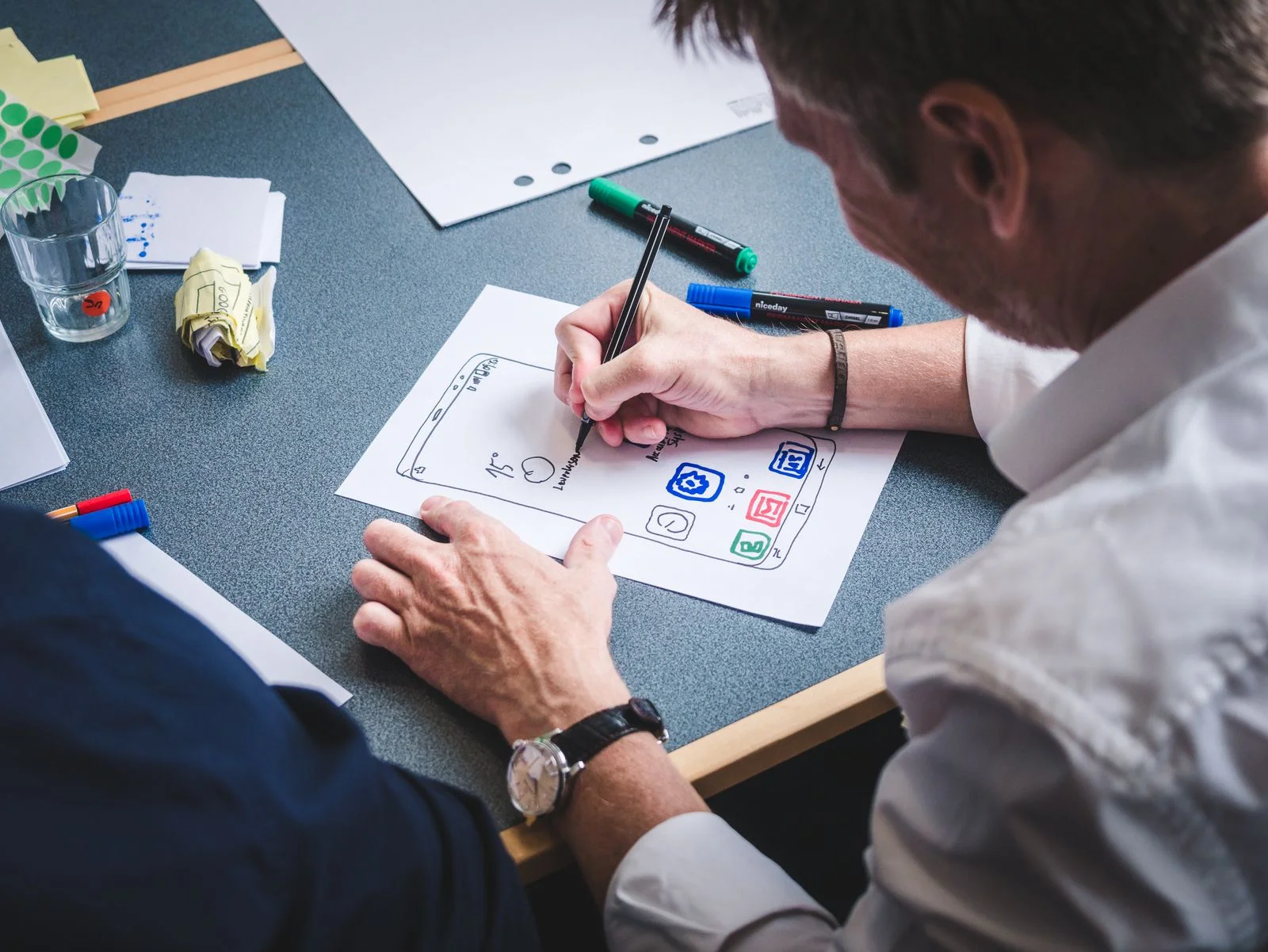
The integration of AI into UI and UX design is transforming how teams collaborate and how products are built. Figma is the clearest example of features that blur the line between design and development.
Figma launched Figma Make, a prompt-to-app prototyping tool in the spirit of vibe coding, at Config in May 2025. This tool allows designers to generate app prototypes from text prompts, speeding up the initial design phase. At Config 2026, Figma opened the Figma agent in beta on paid plans. The agent works directly inside Figma files on tasks the user describes in plain language. In its Q2 2026 results, Figma reported that over 80% of paid customers with more than $10,000 in annual revenue were consuming AI credits weekly and over 50% were using the Figma agent weekly. By Figma’s own account, adoption among larger paying teams is already broad.
However, Figma’s journey with AI has not been without hiccups. In 2024, Figma pulled an earlier AI feature, “Make Designs,” after it produced a design that closely resembled Apple’s Weather app. This incident highlighted the risks of AI-generated designs, particularly regarding copyright and originality. It served as a reminder that while AI can generate impressive visuals, it does not always guarantee uniqueness or legal safety.
The Figma 2025 AI Report, based on a survey of 2,500 users in 7 countries, revealed interesting insights. According to the report published in April 2025, 82% of developers but only 69% of designers were satisfied with AI tools. Furthermore, 68% of developers and 54% of designers said AI improves the quality of their work. Interestingly, 59% of developers use AI for core tasks versus 31% of designers. While 78% said AI boosts efficiency, only 32% said they can rely on its output. One reading of the gap between developers and designers is that AI tools are further along for code than for visual work; another is that designers judge creative output more strictly.
The Figma 2026 AI Report, which included 8,403 survey responses over three years plus 639 interviews in 10 markets, shows a significant shift in roles. Published in June 2026, the report found that 41% say AI meaningfully changes how teams collaborate, up from 7% two years earlier. The share of designers doing development work doubled to 41%, and developers doing design work rose from 44% to 60%. The shift coincides with AI tools that make it easier for designers to produce code and for developers to produce designs. Despite these changes, 90% say design is at least as important as before AI, indicating that the value of design is not diminishing but evolving.
What changes in UX work? Prototypes are faster, and designers are doing more front-end work. Developers are also involved in design decisions more often. This collaboration can lead to more cohesive products and faster iteration cycles. However, what does not change is the need for user research, accessibility judgment, and deciding what to build. AI can generate a beautiful interface, but it does not know if it solves the user’s problem. It does not understand the context of the user’s environment or their emotional state. Human designers are still needed to ask the right questions, interpret the data, and make strategic decisions.
AI in UI/UX is about augmentation, not replacement. It handles the repetitive tasks and generates options, but humans provide the direction, context, and final judgment. Teams get the most from these tools when they use them to extend their capabilities rather than to do the thinking for them.
Generative design in architecture and product design
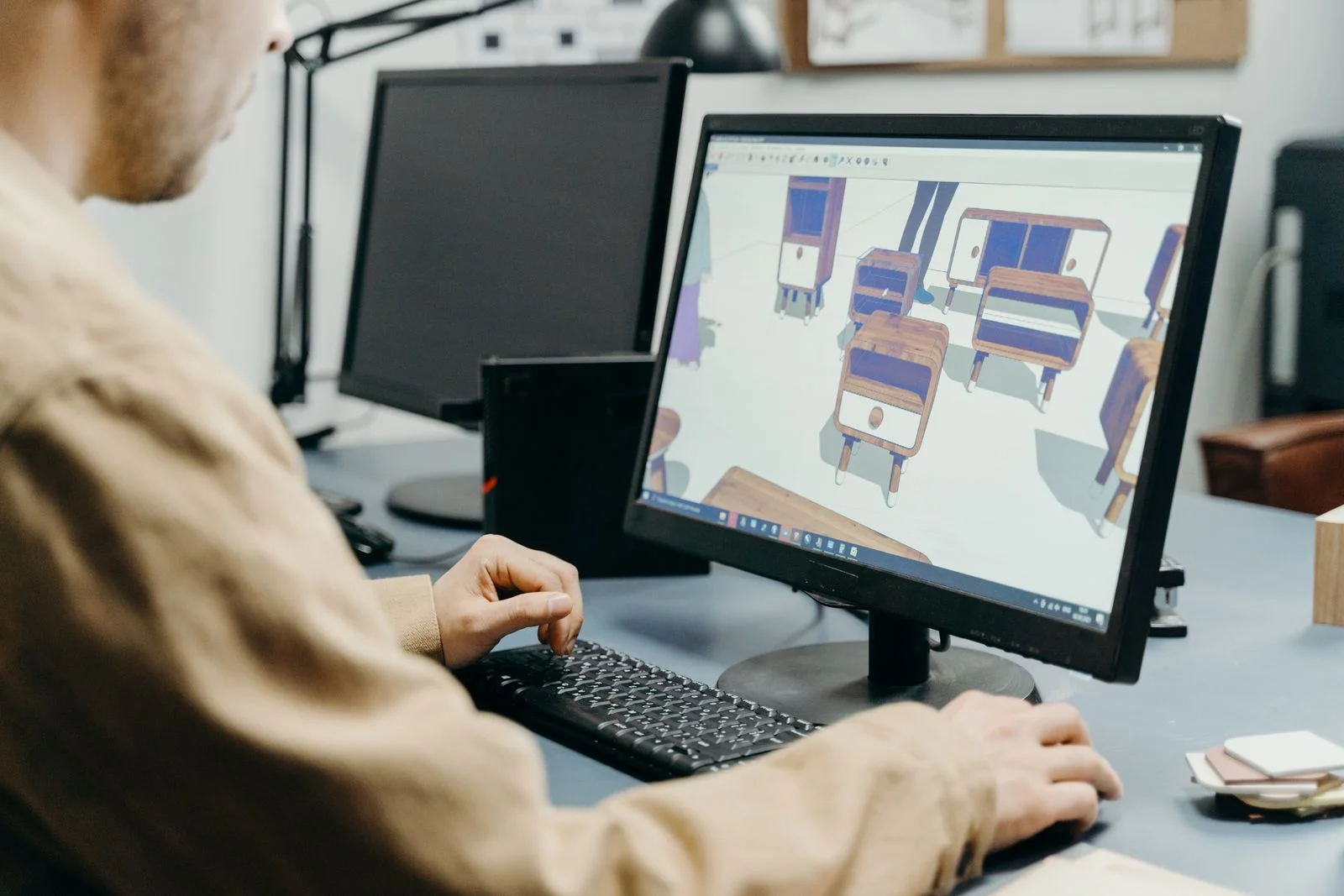
Generative design operates on a fundamentally different logic than the image generation tools designers use for visuals. In image generation, you typically start with a prompt and iterate on the output. In generative design, the engineer or designer sets the goals and constraints first—loads, materials, weight limits, and manufacturing methods. The software then generates dozens or hundreds of valid options that satisfy those constraints. The human then chooses and refines the best options. It is an engineering optimization tool, not a creative mood board.
A widely cited early example comes from Autodesk, which in May 2018 worked with General Motors on a seat bracket. The generative design software produced more than 150 valid design options for the part. The chosen design was a single 3D-printed stainless-steel component that replaced eight separate parts. It was about 40% lighter and 20% stronger than the original. It was a proof of concept, but it demonstrated how computational design can solve physical problems in ways the human eye might not immediately conceive.
Autodesk has continued to push this boundary. In May 2024, the company introduced Project Bernini, an experimental generative AI model that creates 3D shapes from images, point clouds, or text. It remains a research project, but it points toward a future where the boundary between conceptual design and physical production blurs. By September 2026, Autodesk announced that its Autodesk Assistant is generally available across products including Fusion, Forma, and Flow. This tool integrates generative capabilities directly into the design workflow. In its 2027 State of Design & Make survey, 70% of leaders said they expect AI to reduce repetitive work.
The impact on the architecture profession is already visible. The RIBA AI Report 2025 showed that practices using AI rose from 41% in 2024 to 59% in 2025. The 2026 report, released in July, found that practices using AI for most projects rose to 74%. Seventy-five percent of those practices report improved productivity, and 57% report a positive return on investment. However, only 17% say their designs are better because of AI. There is a clear gap between efficiency and quality.
This efficiency brings anxiety. Fifty-nine percent of practices expect AI to reduce staff numbers across the profession, though RIBA notes there is no clear evidence of sector-wide AI-driven staff cuts yet. More concerning is the impact on training. Sixty-one percent of respondents say AI will make it harder for early-career staff to gain skills. If AI handles the routine drafting and optimization, junior architects may miss the foundational experience needed to understand why a structure works. Seventy-seven percent of architects believe AI can never replace human creativity, but creativity is only half the job. The other half is execution, and AI is changing how that execution is measured.
AI in fashion and brand imagery
Fashion has moved beyond using AI for simple background generation. In 2025, H&M created AI “digital twins” of real models in partnership with the Swedish company Uncut. The models keep ownership of their likeness and are paid for their use. The images are tagged as AI-generated, and the first campaign images appeared in July 2025. For brands, the appeal is producing more images of the same model without organising new shoots; for models, the arrangement keeps them paid and in control of how their likeness is used.
The broader question remains one of disclosure and consent. When a brand uses a digital twin, they are using the model’s identity, not just their image. This raises legal and ethical questions about who owns the data that creates the twin. As deepfake technology improves, the line between a real photo and a generated one will blur, making clear labeling essential for brand trust.
Copyright and the legal fights designers should know about
The legal landscape for AI-generated design work is still being defined, but the core principles are becoming clearer. The US Copyright Office stated in January 2025 that prompts alone are not enough for copyright protection. Human selection, arrangement, or modification of the output is required. This aligns with the Thaler v. Perlmutter case, where the D.C. Circuit held in March 2025 that copyright requires a human author. The Supreme Court declined to hear the case in March 2026, leaving the lower court’s ruling in place. This means you cannot simply copyright an AI-generated image; you must prove significant human input.
The battles over training data are ongoing. Getty Images v Stability AI saw the UK High Court rule on 4 November 2025 that the Stable Diffusion model does not store or reproduce Getty’s images, rejecting the secondary infringement claim. Getty dropped its main training claims because the training happened outside the UK. The ruling did not decide whether training on copyrighted images is lawful in the UK, and Getty was granted permission to appeal in December 2025. In the US, a federal judge in California allowed most of Getty’s separate case against Stability AI to proceed in April 2026.
In the artists’ class action, Andersen v. Stability AI, a judge allowed copyright and trademark claims to proceed in August 2024. As of 2026, the case is in discovery, with key rulings not expected before 2027. Meanwhile, Disney and Universal sued Midjourney in June 2025, calling it “a bottomless pit of plagiarism.” Warner Bros. Discovery later joined, and the cases were combined. As of October 2026, there is no settlement or verdict.
What this means for you is practical. Check the tool’s terms and training-data claims. Keep records of your human edits. Avoid prompting for living artists’ styles or famous characters for client work, as those rights are often contested. If you are designing a logo, remember that ownership of an AI-generated logo is not guaranteed just because you paid for the subscription. You need to document your process to prove authorship.
Labels and provenance: Content Credentials and the EU AI Act
Transparency is becoming a legal requirement, not just a best practice. The Content Credentials standard, based on C2PA, allows creators to embed provenance data directly into files. The steering committee includes Adobe, Amazon, BBC, Google, Meta, Microsoft, OpenAI, Sony, and TikTok. The Content Authenticity Initiative had more than 6,000 members in January 2026. Google’s Pixel 10 phones already support C2PA credentials, signaling that consumer devices are ready for this shift.
The EU AI Act adds another layer. Article 50 states that providers of AI systems that generate images, audio, video, or text must mark outputs in a machine-readable format so they can be detected as AI-generated. Those who publish deepfakes must disclose them. For evidently artistic or creative works, the disclosure must not hamper enjoyment of the work. These obligations apply from August 2026. The marking duty falls on the companies that provide AI generators and on those who publish deepfakes, but designers working with European clients should expect more questions about whether and how AI was used.
What AI means for design jobs
The data on job impact is nuanced. The US Bureau of Labor Statistics projects that graphic designers’ employment will decline 2% from 2025 to 2035, with about 16,000 openings a year from replacement. The median pay was $62,960 in May 2025. BLS says AI tools are projected to make graphic designers more productive, but not necessarily more numerous.
Adobe’s June 2026 report using BLS data showed that US wage-and-salary employment of graphic designers fell 7.7% between May 2024 and May 2025. Adobe explicitly does not attribute this drop to AI. Other studies point to AI’s role. Hui, Reshef, and Zhou found that after image generators launched, image-related freelancers on Upwork saw the number of jobs fall 3.7% and earnings fall 9.4%. Demirci, Hannane, and Zhu found a 17% decrease in job posts related to image creation on a large freelancing platform.
Despite these numbers, design is still valued. Figma’s 2026 AI Report found that 90% of respondents say design is at least as important as before AI. RIBA expects staff reductions but notes no clear evidence of sector-wide cuts yet. The jobs are shifting from creation to curation and strategy. Designers who learn to use Figma AI and other tools well are better placed than those who rely on manual execution alone. The role is evolving, not disappearing.
How to use AI well as a designer
- Keep the creative brief and brand rules human. AI can generate options, but it doesn’t understand brand voice or strategic context.
- Use AI for volume in exploration, not final art. Generate many variations to find direction, then refine manually.
- Check outputs for resemblance to existing work. Make sure you are not unintentionally reproducing existing logos, characters or recognisable artwork.
- Keep source files and edit history. Document your process to prove human authorship if copyright is questioned.
- Disclose AI use to clients. Transparency builds trust, especially while Content Credentials are not yet universal.
- Mind privacy when uploading client assets. Do not upload sensitive data to public models without checking the terms.
- Learn the tools’ licence terms. Understand who owns the output and if you can use it commercially.
Frequently asked questions
What is AI in design?
AI in design refers to the use of machine learning models to assist in creating visual content, interfaces, or structures. It includes tools for image generation, layout optimization, and 3D modeling. It is not a replacement for human judgment but a tool for accelerating workflows and exploring options.
What are the best AI design tools?
There is no single best tool; it depends on the job. For image generation, common choices are Adobe Firefly, Midjourney and ChatGPT’s image generation. For everyday layouts and social graphics, design suites such as Canva and Adobe’s apps have AI built in. For interface prototyping, Figma Make and the Figma agent. For engineering and product parts, generative design tools such as Autodesk Fusion. For client work, check each tool’s licence terms and training-data claims before choosing.
Can I use an AI-generated logo for my business?
Yes, but with caution. You can use an AI-generated logo, but you may not own the copyright if your human input was minimal. Run a trademark search to check it does not resemble an existing mark, and have a designer modify it significantly to make it distinctive and to strengthen your claim to ownership.
Who owns AI-generated designs?
Ownership depends on the level of human creativity. The US Copyright Office states that prompts alone are not enough for copyright. Human selection, arrangement, or modification is required to claim ownership. Check the specific terms of the tool you use, as some grant commercial rights while others do not.
Will AI replace graphic designers?
Unlikely. While AI automates repetitive tasks, it does not replace strategic thinking or brand understanding. The BLS projects a slight decline in jobs, but many roles will shift to focus on curation and direction. Designers who adapt to use AI as a collaborator will remain essential.
Is Figma AI free?
Figma’s AI features run on AI credits included with plans. Figma reports heavy use among paid customers. Check Figma’s current plan page to see which tier includes AI credits and how many you get.